Working Steps of Enstella PST to EML Converter Software
Working Procedure of PST to EML Converter Tools
Step-by-step Enstella PST to EML Conversion Software Working & See how its working and Convert PST File into EML format.
Enstella PST to EML Converter tool is the best PST to EML conversion program which efficiently convert PST to EML format.
Launch Enstella PST to EML Converter Software (Go to Start -> Programs ->Enstella PST to EML Converter -> Enstella PST to EML Converter).
Just follow the following instructions step by step to Convert PST to EML File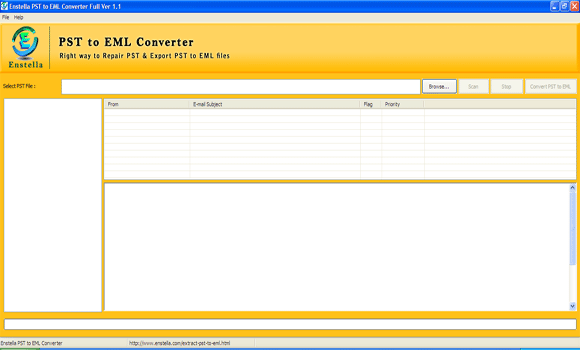
- Click Browse button to select the PST file as shown below.
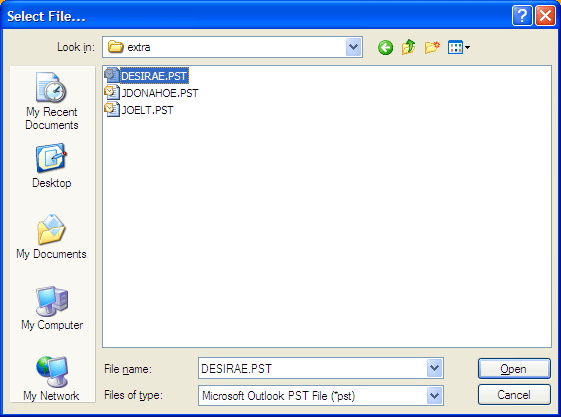
- Select the corrupt or damaged PST file and click on Open button.
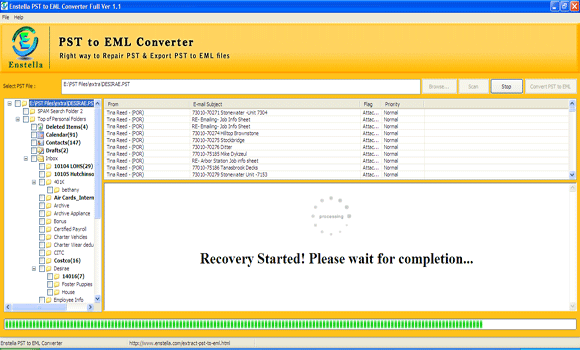
- And click the SCAN button to start the recovery of corrupted PST file. In the PST recovery phase, software will show you the full progress of PST Recovery and also show you recovered email items as shown below.
After complete scanning the selected PST file, the software will generate the preview of each PST mail items. Software will show all the folders and sub-folders present inside the corrupt PST files with exact folder hierarchy as shown:
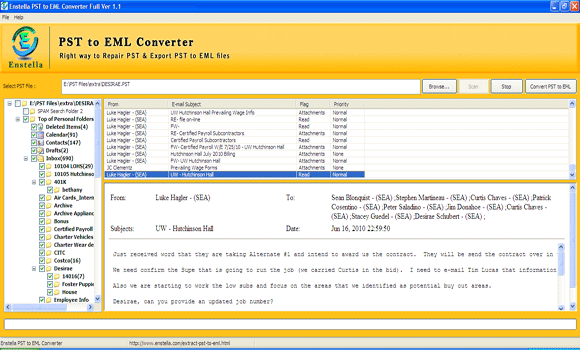
- Navigate the tree view and see all the recovered PST files and after this click on "CONVERT PST to EML" button to Convert damage PST File to EML file.
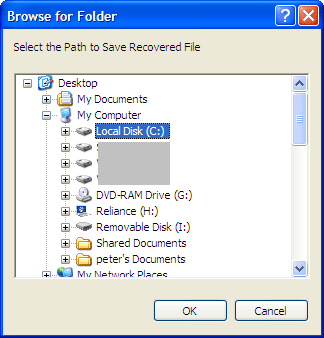
- Choose the appropriate location on your computer to save the converted EML file.
- And click on "OK" button the start the conversion process.
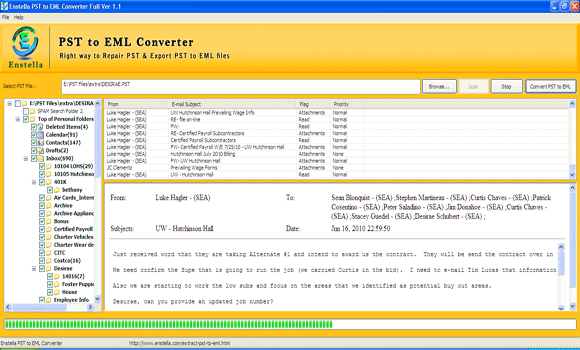
- Note: Our Software creates .EML file on your computer after successful PST File Conversion which is easily and perfectly open with Outlook Express, Live Mail, Windows Mail & Thunderbird Email Client.